
HR help
Plain-English guides to every part of the Squiggle HR site. Pick the job you want to do.
The guides
Each page in the HR site has a How it works link at the right of the row of tabs. It opens the matching guide below in a new tab, so you do not lose what you were typing.
For everyone
For line managers
For superadmins (Admin tab)
For our payroll bookkeeper
Signing in
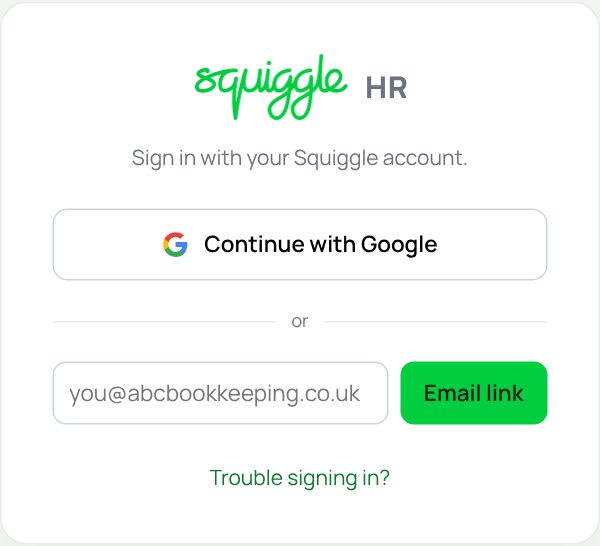
Go to hr.squiggleconsult.co.uk.
- Squiggle staff: press Continue with Google and pick your @squiggleconsult.co.uk account.
- Everyone else (for example our payroll bookkeeper): type your email address in the box and press Email link. We email you a link. Open it on the same device and you are signed in.
If you cannot get in
- No email arrived? Check your junk folder, and check you typed your address exactly. The message under the box says Check your email for a sign-in link when it has gone.
- Google took you back to the sign-in page? Make sure you picked your work account, not a personal Gmail.
- Still stuck: ask a superadmin (the HR lead) to check you have an HR record.
The first time you sign in
Staff are asked to check their details before anything else. This happens on your first visit and again every 180 days. The tabs at the top do nothing until you finish.
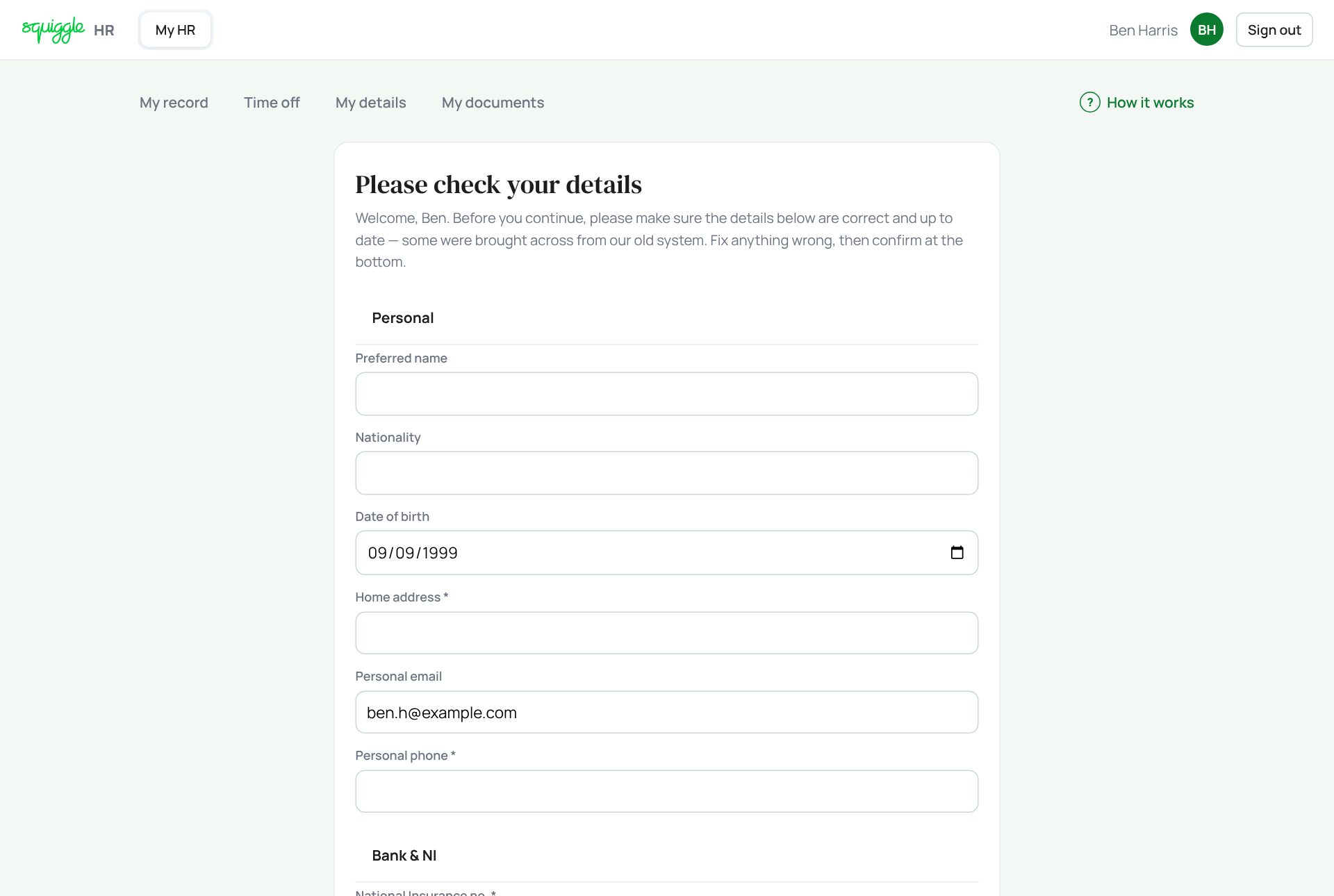
- Check each box. Fix anything wrong. Some details came across from our old system.
- Fill in the boxes marked *: home address and personal phone. If you are paid through our payroll, your National Insurance number and bank details are needed too.
- Add at least one emergency contact: type a name, relationship and phone, then press Add.
- Tick I confirm the details above are correct and up to date, then press Confirm & continue.
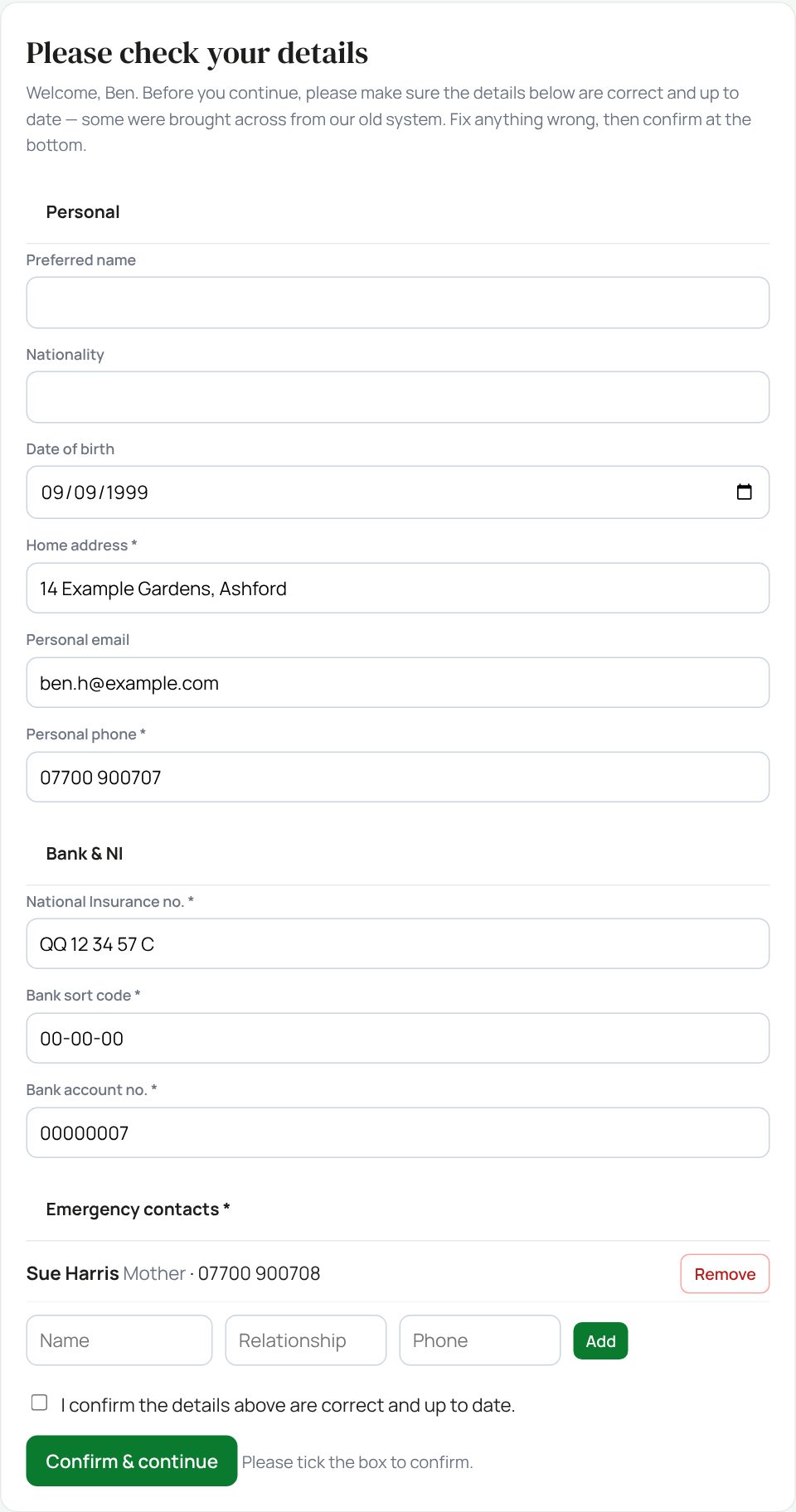
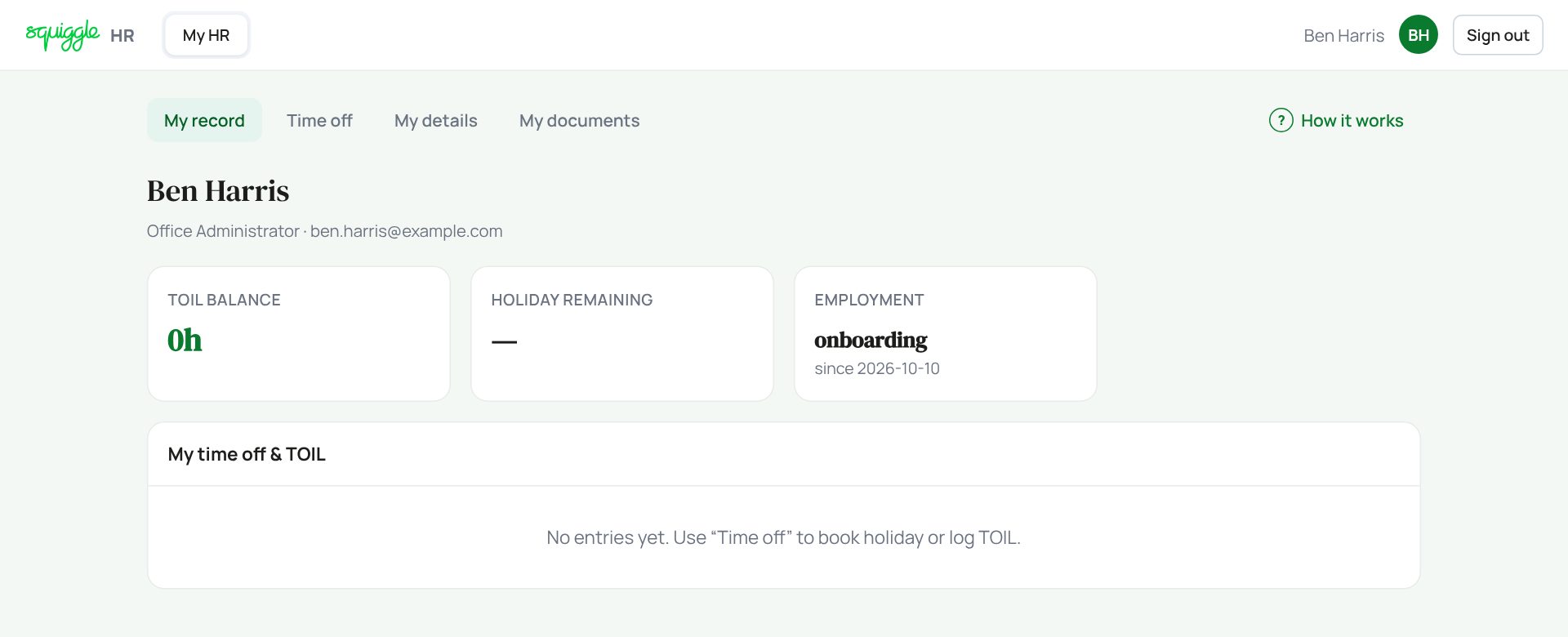
The page tells you exactly what is missing: Please add your home address and personal phone, Please complete your NI and bank details or Please add at least one emergency contact.
What you will see
The buttons at the top left switch between areas. You only see the ones you need:
- My HR: everyone. Your own record, time off, details and documents.
- My Team: anyone with people reporting to them, and superadmins.
- Admin: superadmins only.
- Payroll: the payroll bookkeeper (and a superadmin who also holds the payroll role).

Something here does not match what you see? Use the Report a problem button in the corner of the HR site and say which guide.