
Time off
Check your balances, ask for holiday, log TOIL and tell us when you are off sick.
Everyone
Your record at a glance
Open My HR and the My record tab. The three boxes show:
- TOIL balance: approved time off in lieu, in hours. Green means you are owed time; red means you owe it. Requests still waiting show underneath as pending.
- Holiday remaining: hours left this leave year (which starts on 1 April), out of your allowance plus anything carried over. A day is 7.5 hours.
- Employment: your status and start date.
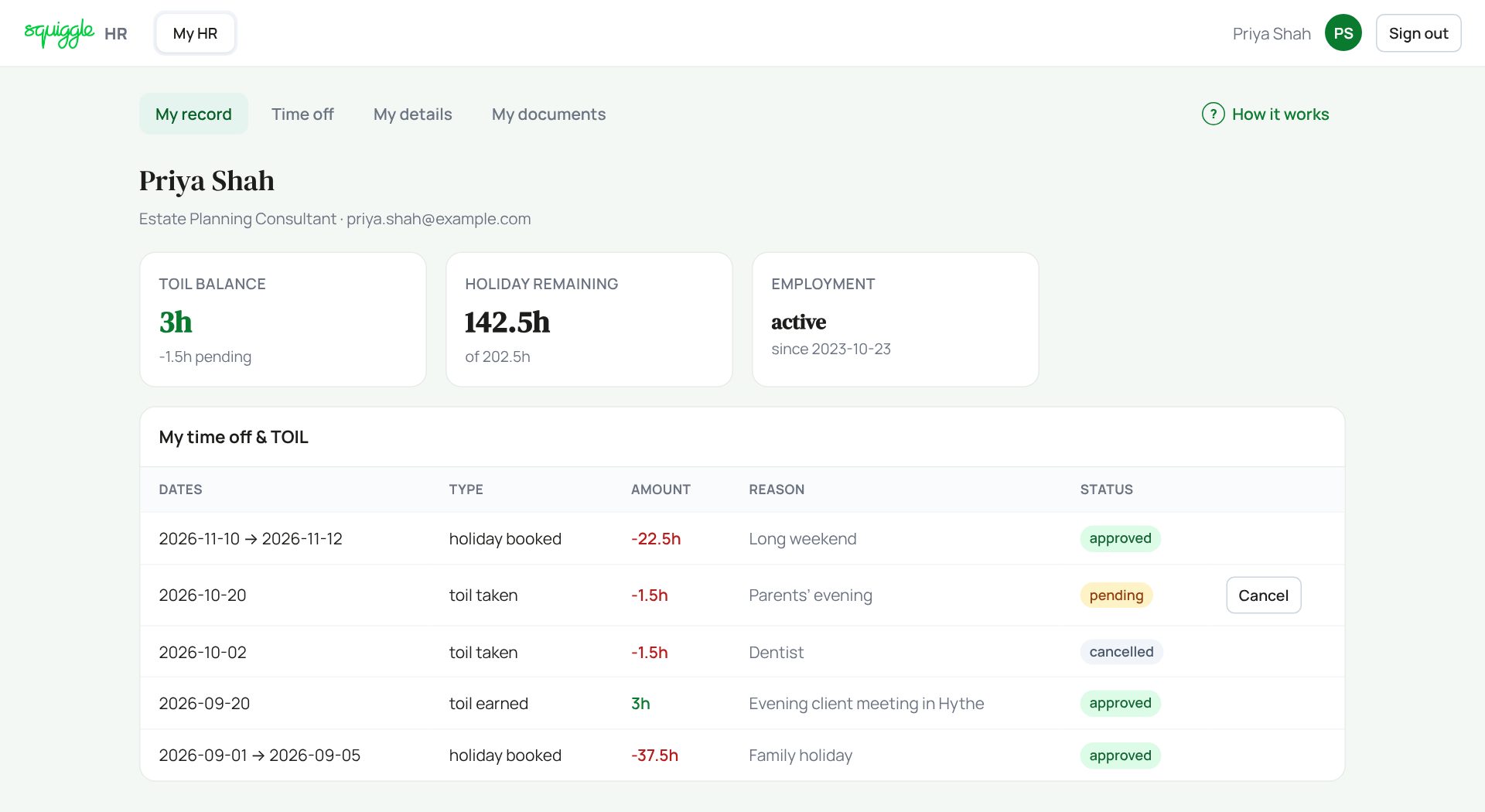
Underneath is a list of your last 30 entries with their status: pending, approved, rejected or cancelled.
Holiday says “BrightPay”? Your annual leave is booked in our payroll software, not here. You still log TOIL and sickness here. Says “Not tracked”? You are a self-employed consultant, so leave is not recorded for you.
Asking for holiday
- Go to the Time off tab.
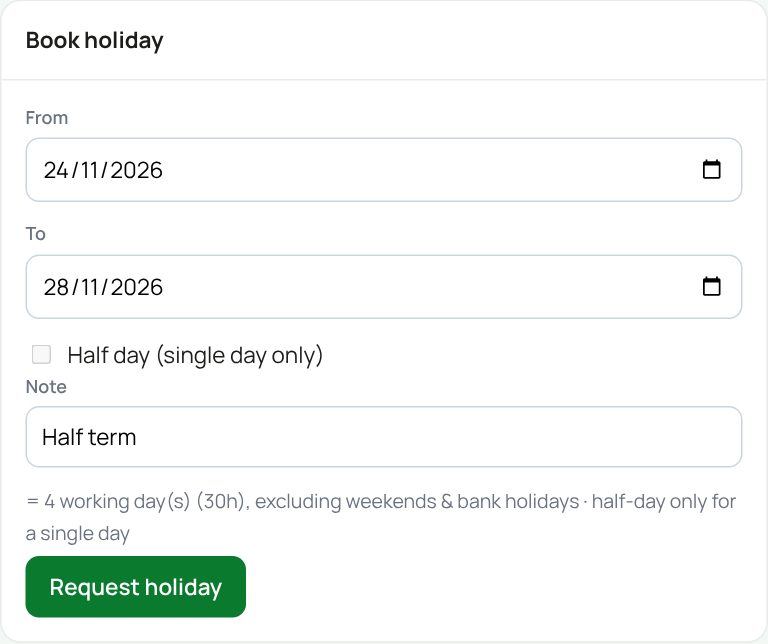
- In Book holiday, pick the From and To dates.
- For half a day, pick the same date in both and tick Half day.
- Add a note if you like, such as Half term.
- Check the line under the note. It counts working days for you and leaves out weekends and bank holidays.
- Press Request holiday.
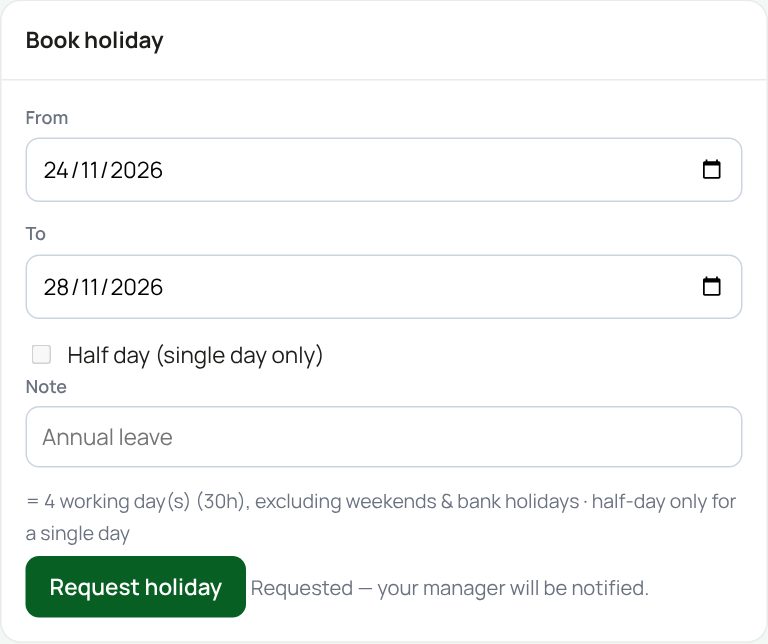
Your request shows as pending until your manager says yes or no. You get an email either way.
Logging TOIL
TOIL means time off in lieu. Stayed late for a client? Log it as earned. Leaving early to make it up? Log it as taken.
- In Log TOIL, choose TOIL earned (worked extra) or TOIL taken (time off).
- Pick the date and type the hours. Quarter hours are fine: 1.25 is an hour and a quarter.
- Say why, then press Submit for approval.
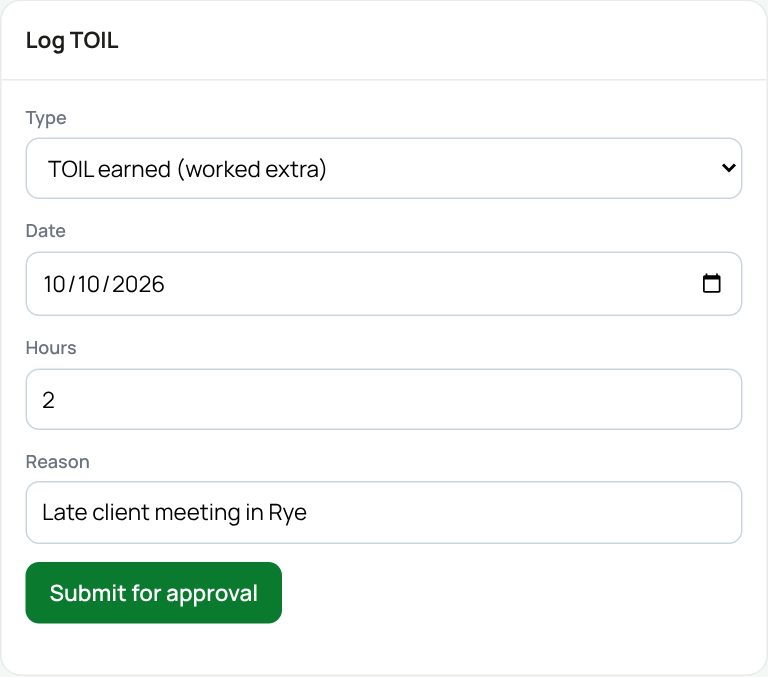
The message Submitted — pending your manager’s approval appears, and your manager is emailed.
A negative TOIL balance is fine. Bank the time back next time you stay late.
Reporting sickness
- In Report sickness, pick your first day off. Leave the last day as today if you do not know yet.
- Add a reason if you want to. It is optional.
- Press Report sickness.
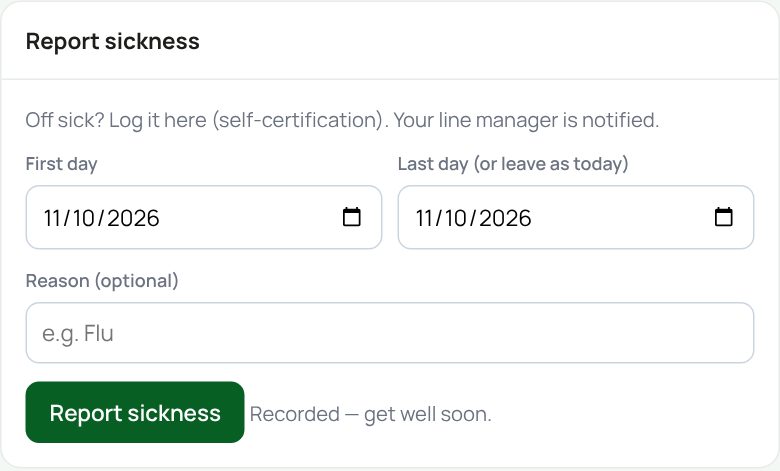
This is your self-certification. Your line manager is emailed. Sickness counts towards the Bradford Factor your manager can see, so please record each spell as it happens.
Changing your mind
A request that is still pending has a Cancel button on My record. Press it and say OK.
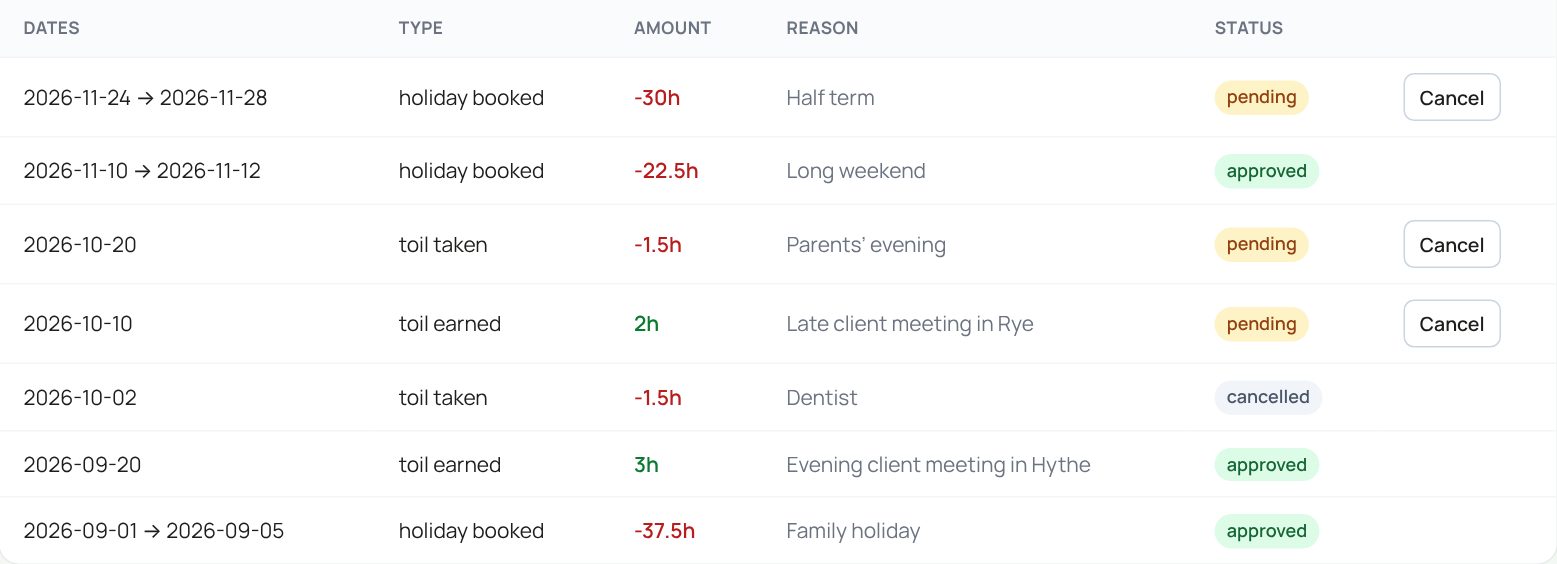
Once a request is approved there is no cancel button. Ask your manager to sort it out.
If something goes wrong
- “No working days in that range”: you picked only a weekend or a bank holiday.
- “End is before start”: swap the dates round.
- “Enter the number of hours”: type a number of hours above zero.
- Your manager says they had no email: we can only email them if a reporting line is set for you. Ask a superadmin to check who your line manager is. Your request is still waiting in their Approvals tab, and they also get a weekly reminder every Monday morning.
If the page says Something went wrong or a red Error: message appears, nothing has been saved. Reload the page and try once more. If it happens again, press Report a problem and copy the message into it.
Something here does not match what you see? Use the Report a problem button in the corner of the HR site and say which guide.