
Approvals
Say yes or no to holiday and TOIL requests from your team.
Line managersCover approversSuperadmins
How you find out
When someone asks for holiday or TOIL, you get an email. Its button opens the Approvals tab.
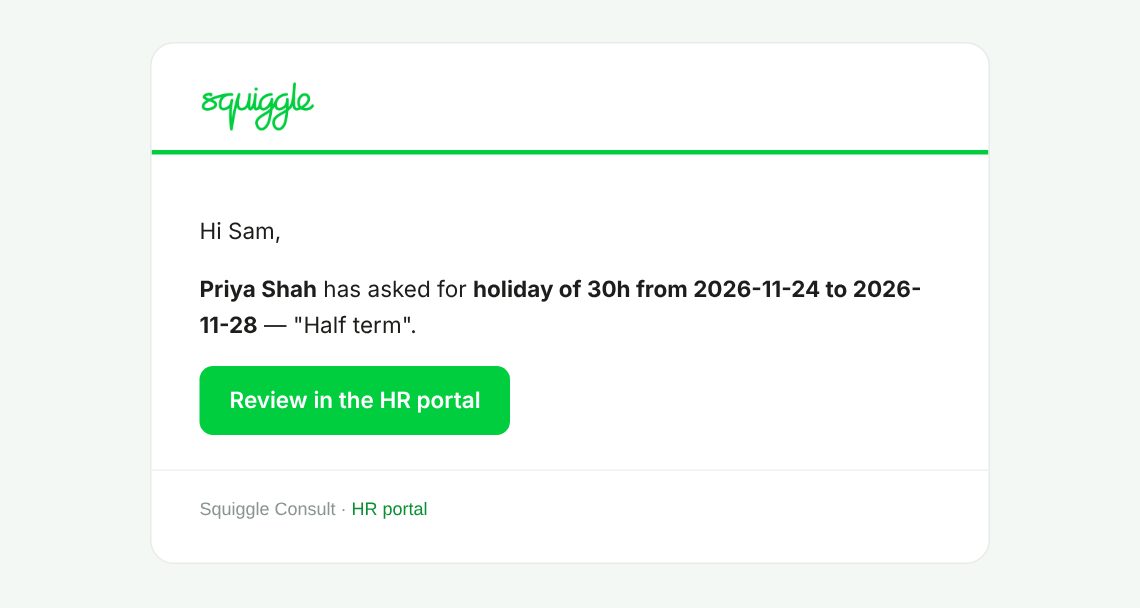
Anything still waiting is also sent to you in one email every Monday morning.
Approving or rejecting
- Go to My Team and the Approvals tab.
- Check each row: who, the dates, the type and the hours.
- Press Approve or Reject. It happens at once and the person is emailed.
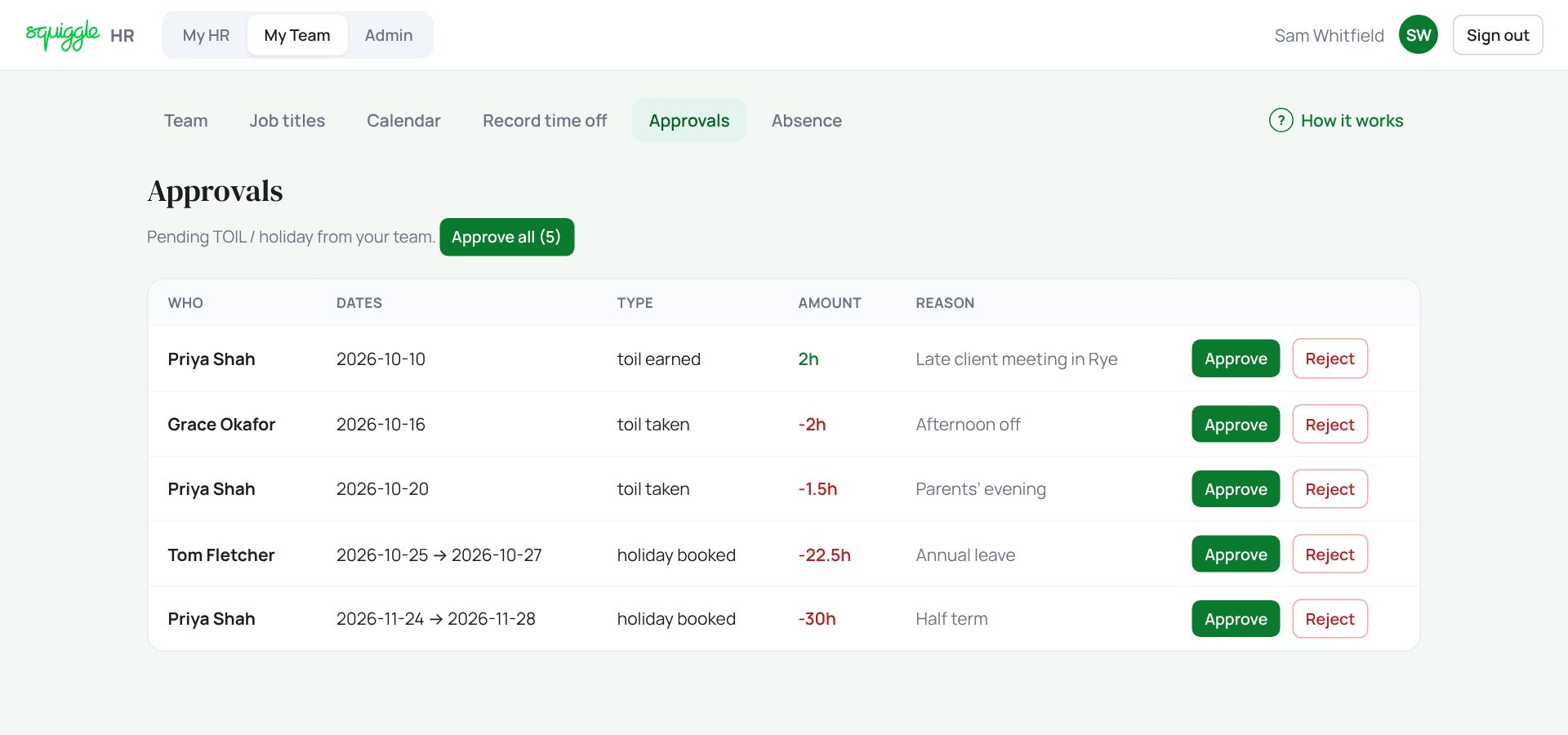
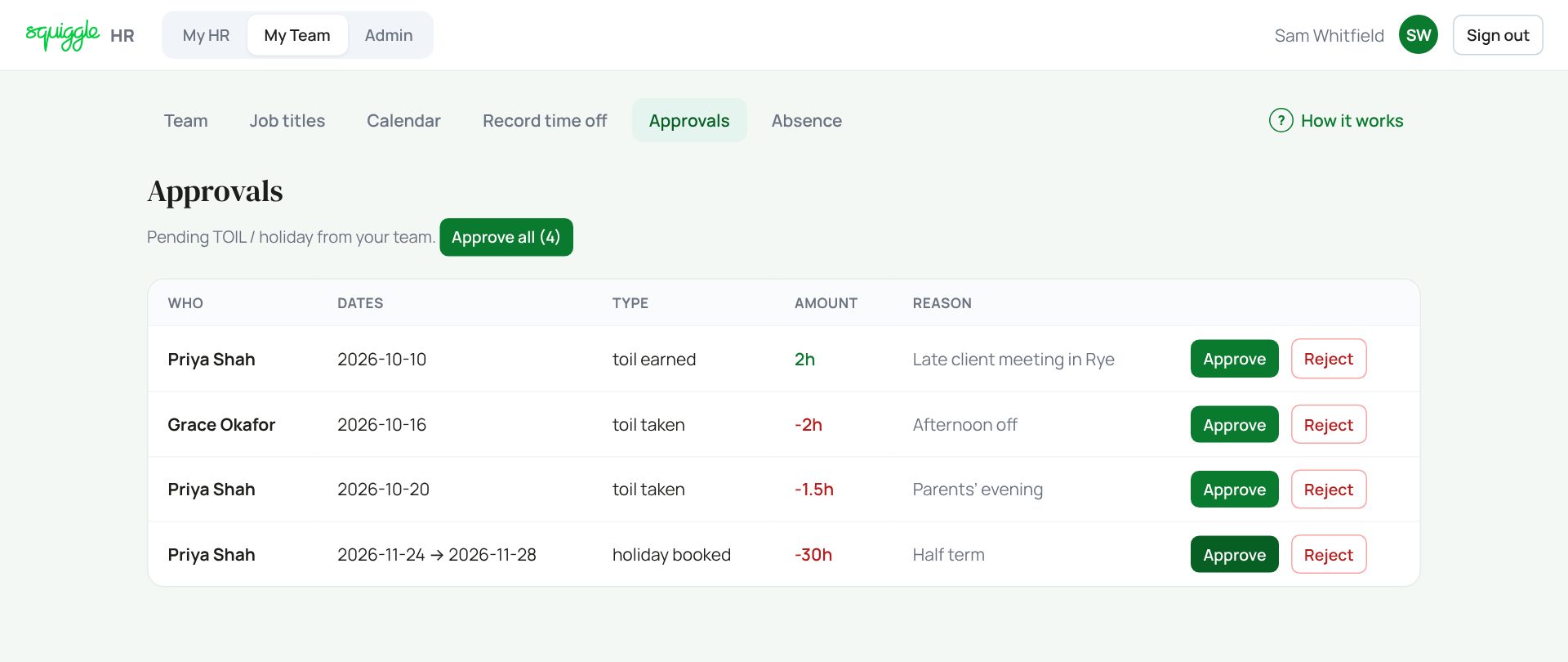
Approve all approves every row on the page after one “are you sure?”. Use it only when you have checked them all.
There is no box for a reason when you reject. Tell the person why yourself.
Whose requests you see
- Your direct reports.
- The team of any manager who has named you as their cover approver (set on that manager’s record in Admin → People, for when they are away).
- Everyone, if you are a superadmin.
Your own requests never appear here. They go to your own manager.
If something goes wrong
- “Nothing awaiting approval” but someone says they asked: check they pressed Request holiday or Submit for approval, and that you are their line manager.
- Approved by mistake: there is no undo button. Ask a superadmin.
If the page says Something went wrong or a red Error: message appears, nothing has been saved. Reload the page and try once more. If it happens again, press Report a problem and copy the message into it.
Something here does not match what you see? Use the Report a problem button in the corner of the HR site and say which guide.