
Onboarding
Turn someone who has accepted an offer into a new starter.
Superadmins
Who appears here
Press Admin, then Onboarding. Everyone who has accepted an offer is listed, with the work email they will get.
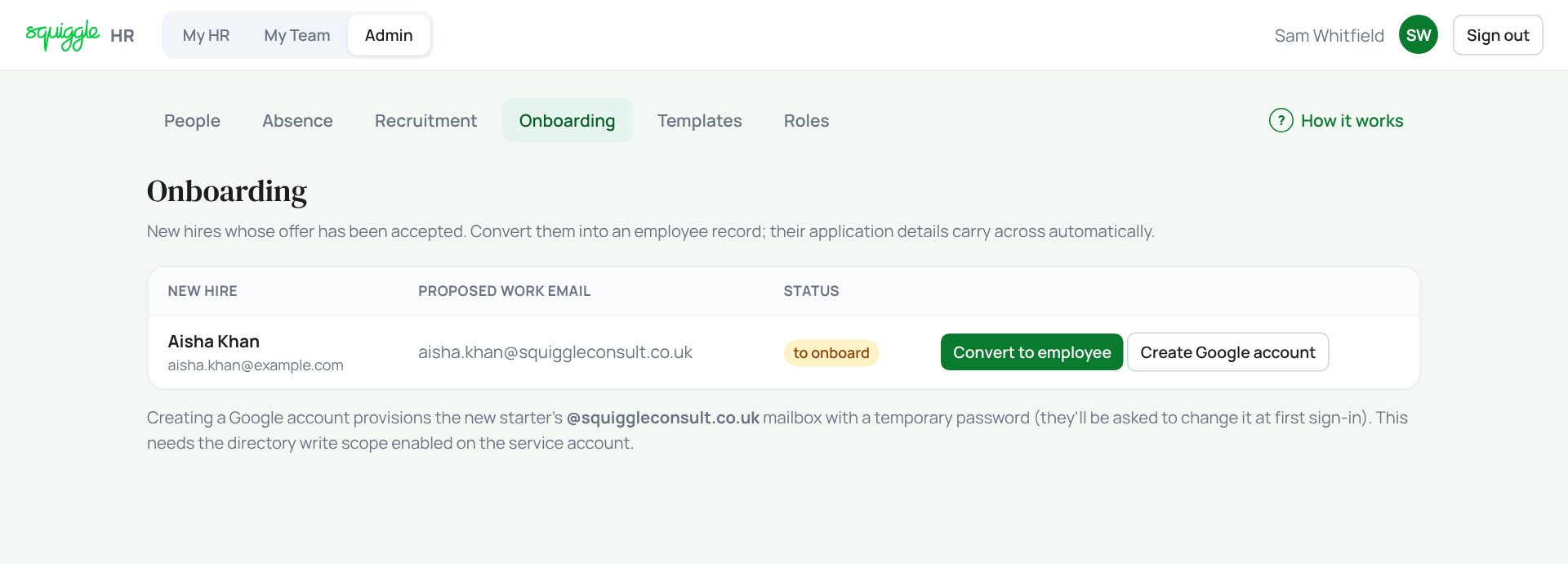
Getting them set up
- Create Google account first. Say OK to the question. A pop-up shows their new email and a temporary password. Copy it now: it is only shown once. They must change it the first time they sign in.
- Then press Convert to employee. It makes them active and copies the job title and start date from their offer.
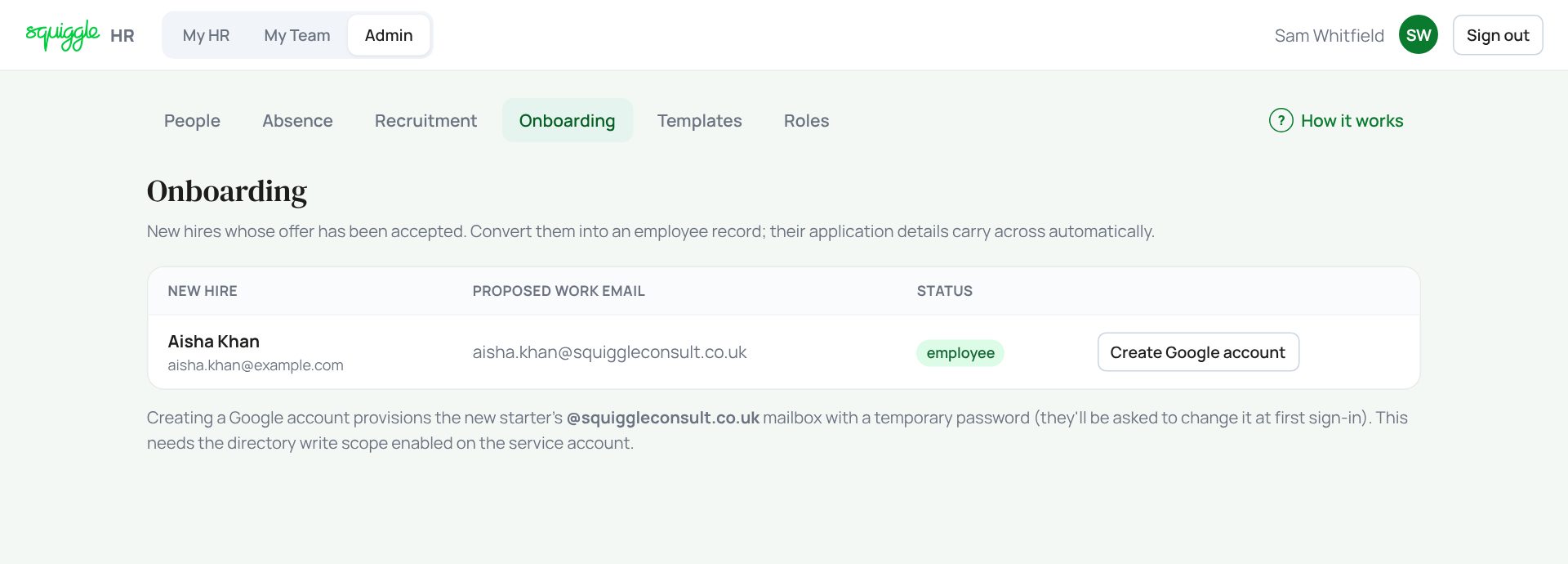
Do it in that order. Creating the Google account sets them back to to onboard, so converting first means converting twice.
Then open their record in People: set their line manager, job function, salary and holiday allowance, and tick Needs a payroll record if they are on payroll. When they first sign in they will be asked to check their details.
If something goes wrong
- “An account with that email already exists”: someone with that name already has an account. Set one up by hand in Google Admin.
- “Could not create account: Google…”: our Google connection needs attention. Report it with the message.
- They sign in and see an empty record: their HR record is still under the personal email they applied with. Report it so it can be linked.
If the page says Something went wrong or a red Error: message appears, nothing has been saved. Reload the page and try once more. If it happens again, press Report a problem and copy the message into it.
Something here does not match what you see? Use the Report a problem button in the corner of the HR site and say which guide.