
Record time off for someone
Log holiday, TOIL or sickness on behalf of someone you manage.
Line managersSuperadmins
When to use it
Use this when someone phones in sick, or asks you for time off in person. Holiday and TOIL you record here are approved straight away, because you are the approver. Line managers see their direct reports; superadmins see everyone.
Holiday
- Go to My Team and Record time off.
- Choose the Team member, then Holiday (by dates).
- Pick the dates, tick Half day if needed, add a note.
- Press Book & approve.
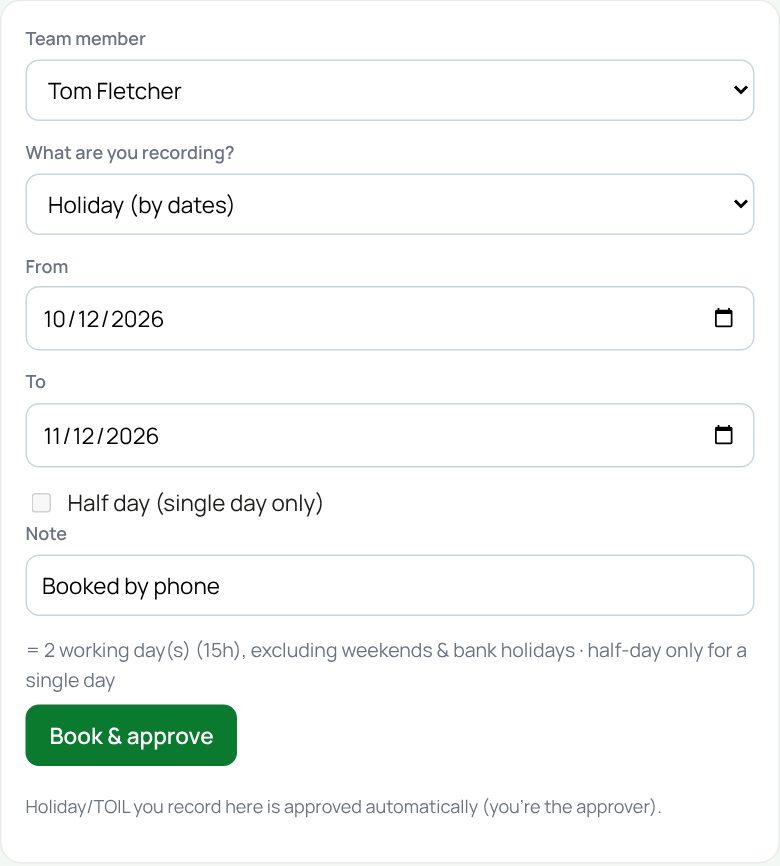
If the person’s leave is in BrightPay, or they are self-employed, the page says so instead of showing dates.
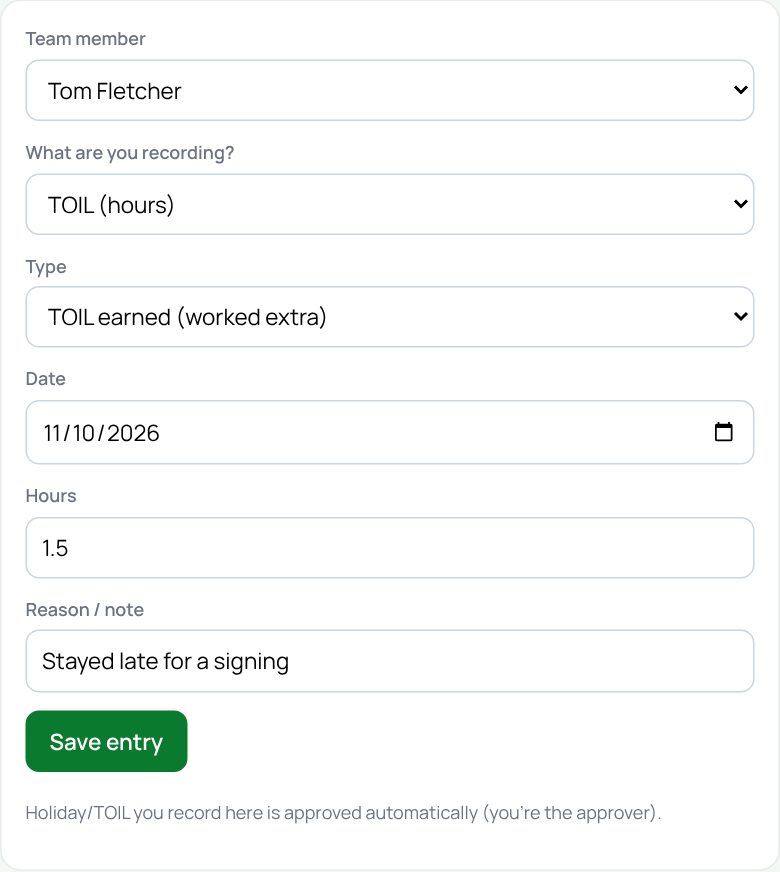
TOIL
- Choose TOIL (hours).
- Pick the type: TOIL earned, TOIL taken, or Holiday booked (holiday in hours).
- Pick the date, type the hours and a reason, then press Save entry.
Sickness
- Choose Sickness absence.
- Pick the first and last day, and add a reason if you want.
- Press Save entry.
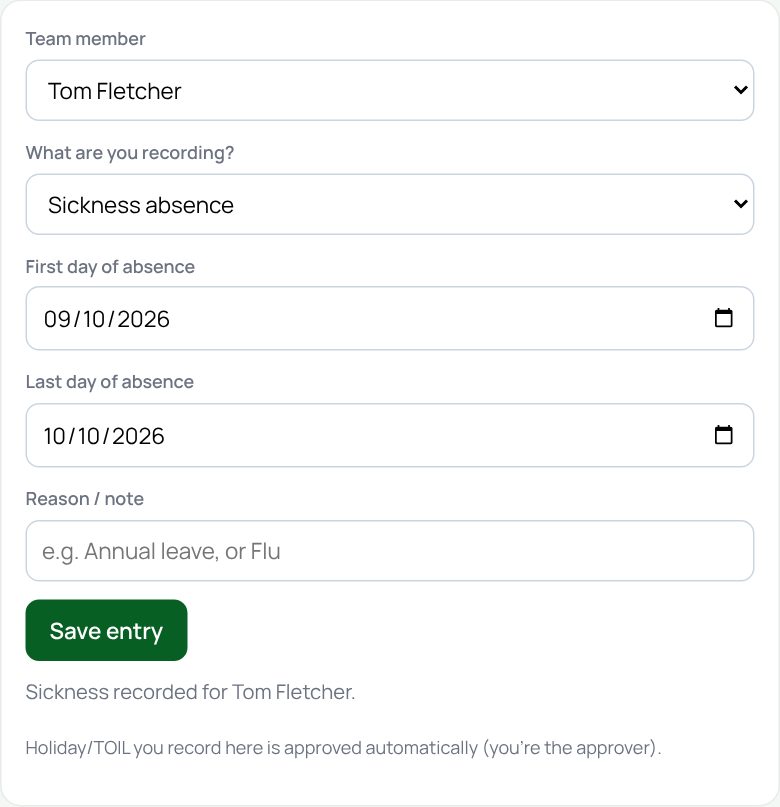
Sickness feeds the Bradford Factor and the heatmap. Remember the return-to-work meeting when they are back.
If something goes wrong
- “Choose a team member”: pick a name first.
- “The last day is before the first day”: swap the dates round.
- Nobody in the list: no one reports to you yet. A superadmin sets that in Admin → People.
If the page says Something went wrong or a red Error: message appears, nothing has been saved. Reload the page and try once more. If it happens again, press Report a problem and copy the message into it.
Something here does not match what you see? Use the Report a problem button in the corner of the HR site and say which guide.